Flash SaleGet 74% off + 3 Months Free on Premium VPNs!
00:00:00
The VPN Shield
Back to Guides

The Coffee Shop Hacker: Why Public Wi-Fi is a Trap (And How to Survive It)

By The VPN Shield Team2026-05-28Security
The Coffee Shop Hacker: Why Public Wi-Fi is a Trap (And How to Survive It)

The Coffee Shop Hacker: Why Public Wi-Fi is a Trap (And How to Survive It)

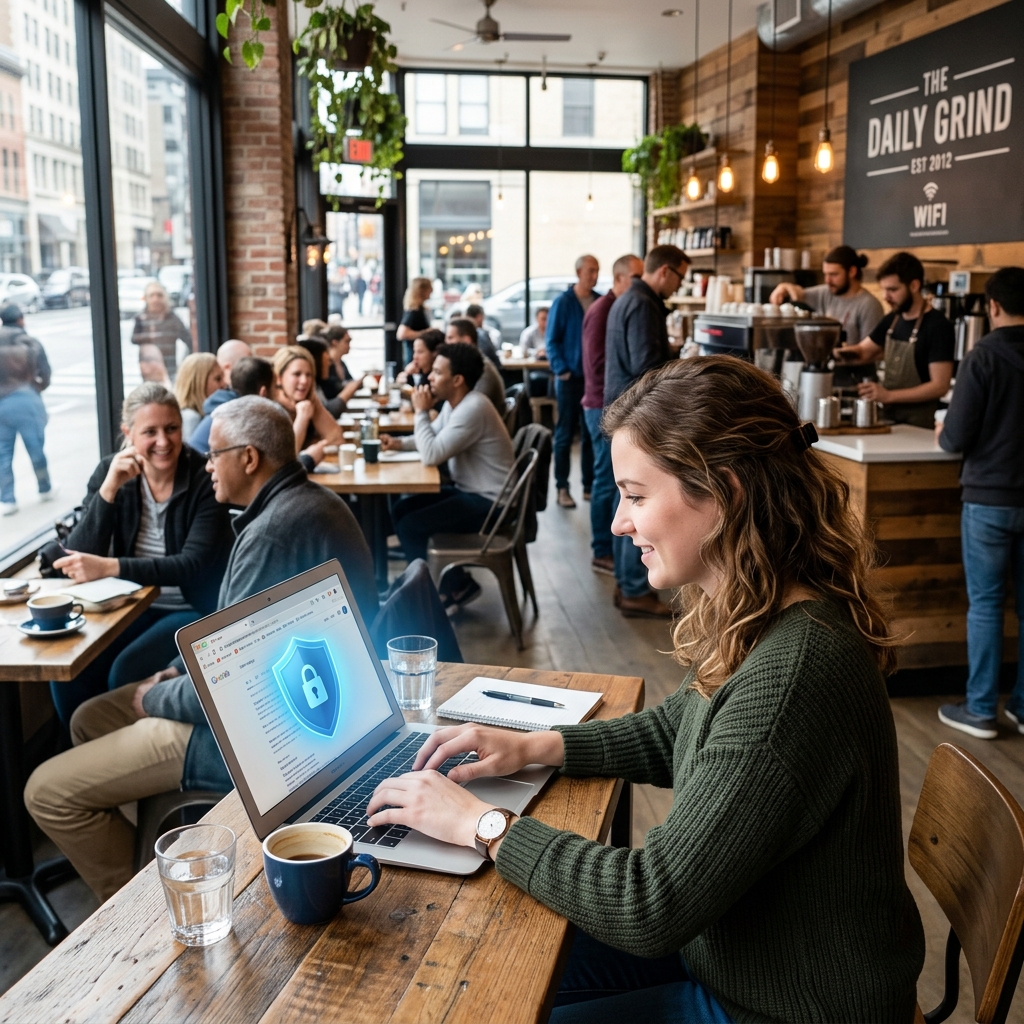
You walk into your favorite local coffee shop, order a flat white, and sink into a plush armchair. You open your laptop, ready to knock out a few hours of work. Naturally, the first thing you do is connect to the café’s free Wi-Fi network.

"Cafe_Guest_Network_Free." It asks for no password. You click connect, open your banking app to quickly check a balance, log into your email, and start browsing.

It feels completely harmless. It’s a routine you probably repeat at airports, hotels, and shopping malls across the globe. But what you don't realize is that you’ve just walked through a digital bad neighborhood with your wallet open and your house keys hanging out of your pocket.

Public Wi-Fi is fundamentally broken. It is a hacker’s playground, and if you are using it without protection, it is not a matter of if your data will be compromised, but when.

Here is exactly why that free hotspot is so incredibly dangerous, and the simple step you must take to make yourself invisible to the predators lurking on the network.

The Illusion of Safety

When you connect to your Wi-Fi at home, your router acts as a bouncer. It requires a password (usually WPA2 or WPA3 encryption) to join. This means the airwaves between your laptop and your router are scrambled. Even if a neighbor intercepts the signal, all they see is mathematical gibberish.

Public Wi-Fi networks, especially the ones that don't require a password, lack this fundamental layer of encryption. They are "open" networks.

When you send an email, enter a password, or load a webpage on an open network, that data is broadcast in plain text through the air for anyone nearby to grab. You might think you’re having a private conversation with your bank’s website, but you are essentially shouting your credentials across a crowded room.

The Hacker's Toolkit: How They Steal Your Data

You don't need to be a sophisticated cybercriminal mastermind in a dark hoodie to exploit a public Wi-Fi network. The tools required to intercept your data are shockingly accessible, free to download, and can be run by a teenager on a standard laptop.

Here are the three most common traps laid on public networks:

1. The Man-in-the-Middle (MitM) Attack

This is the classic public Wi-Fi exploit. In a MitM attack, the hacker secretly positions their computer between your device and the router.

When you try to connect to the internet, your traffic goes through the hacker’s machine first. They act as a silent relay, passing your data along to the router so you never realize anything is wrong. But because it passes through their hands, they can read every unencrypted message, see every website you visit, and harvest your passwords as you type them.

2. The Evil Twin (Rogue Hotspots)

Why bother intercepting a coffee shop's network when you can just build a fake one?

Hackers often set up their own portable Wi-Fi routers right inside the café. They give it a name identical or very similar to the legitimate network. Instead of connecting to "Starbucks_WiFi", you accidentally connect to "Starbucks_Free_WiFi" (the hacker’s network).

Once you connect to the Evil Twin, the hacker owns your connection entirely. They can redirect you to fake banking login pages that look exactly like the real thing, tricking you into handing over your credentials directly to them.

3. Session Hijacking (Firesheep)

Even if you log into a secure website (one that uses HTTPS), you aren't completely safe on public Wi-Fi.

When you log into a site like Facebook or your email, the server sends back a "session cookie"—a small piece of data that keeps you logged in so you don't have to enter your password on every single page click. Hackers on public Wi-Fi use software sniffers to grab these session cookies right out of the air. Once they have your cookie, they can inject it into their own browser and instantly access your account without ever needing to know your actual password.

The Antidote: Your Personal Digital Armor

The terrifying truth about public Wi-Fi is that you cannot trust the network owner, you cannot trust the router, and you certainly cannot trust the person sitting two tables away.

Since you cannot secure the environment, you must secure your device. The only foolproof way to do this is by using a Virtual Private Network (VPN).

When you activate a premium VPN on your phone or laptop before connecting to public Wi-Fi, everything changes.

Here is what happens under the hood:

  1. The Encrypted Tunnel: The moment you connect, the VPN wraps all of your internet traffic in military-grade encryption (usually AES-256).
  2. The Invisibility Cloak: Instead of broadcasting your data in plain text, your device outputs a scrambled, unbreakable stream of ciphertext.
  3. Bypassing the Trap: Even if you are connected to a hacker's "Evil Twin" network, or there is a Man-in-the-Middle sniffing your traffic, they are entirely neutralized. They can intercept your data, but because it is heavily encrypted, it looks like pure garbage to them. They cannot read your emails, steal your passwords, or hijack your session cookies.

With a VPN, you are essentially building a private, concrete pipe directly from your laptop to a secure server, running right through the middle of the hostile public network.

Best Practices for the Mobile Warrior

Using a VPN is the silver bullet, but maintaining excellent digital hygiene will make you truly bulletproof. When working remotely or traveling, follow these rules:

  1. Never Connect Without the Shield: Make it a hard rule. You do not open a web browser, check your email, or refresh a social feed on public Wi-Fi until the VPN app shows a green "Connected" status.
  2. Use Auto-Connect Features: The biggest vulnerability in a VPN is human error (forgetting to turn it on). Most premium VPN apps have an "Auto-Connect" or "Wi-Fi Protection" feature. Enable it. This tells the VPN to automatically engage the moment your device detects an untrusted Wi-Fi network.
  3. Turn Off File Sharing: When you are at home, having file and printer sharing turned on is convenient. On a public network, it’s an open door for hackers to browse your hard drive. Go into your system settings (Network and Sharing Center on Windows, or Sharing in System Preferences on Mac) and turn off all file sharing before hitting the café.
  4. Forget the Network: When you leave the coffee shop, tell your device to "Forget" the network. Otherwise, your phone will constantly ping the airwaves looking for that network name, leaving you vulnerable to an Evil Twin attack the next time you walk down the street.
  5. HTTPS Everywhere: Ensure the websites you visit use HTTPS (look for the padlock icon in the browser bar). While a VPN encrypts everything leaving your computer, HTTPS ensures the final leg of the journey to the website's server is also secure.

The Bottom Line

The convenience of ubiquitous free Wi-Fi has blinded us to the staggering risks it presents. Our entire lives—our banking details, intimate conversations, corporate secrets, and personal identities—flow through our devices.

Sitting in a coffee shop and sending that data naked into the air is a gamble you will eventually lose.

A high-quality VPN is not an optional accessory for the modern remote worker or traveler; it is absolute necessity. It costs less than a single cup of coffee per month, but it provides peace of mind that is truly priceless. So next time you order that flat white, make sure your digital armor is locked and loaded before you take your first sip.

Ready to protect yourself?

Check out our top-rated VPNs and secure an exclusive discount today.

See the Best VPNs of 2026

© 2026 The VPN Shield. All rights reserved.